
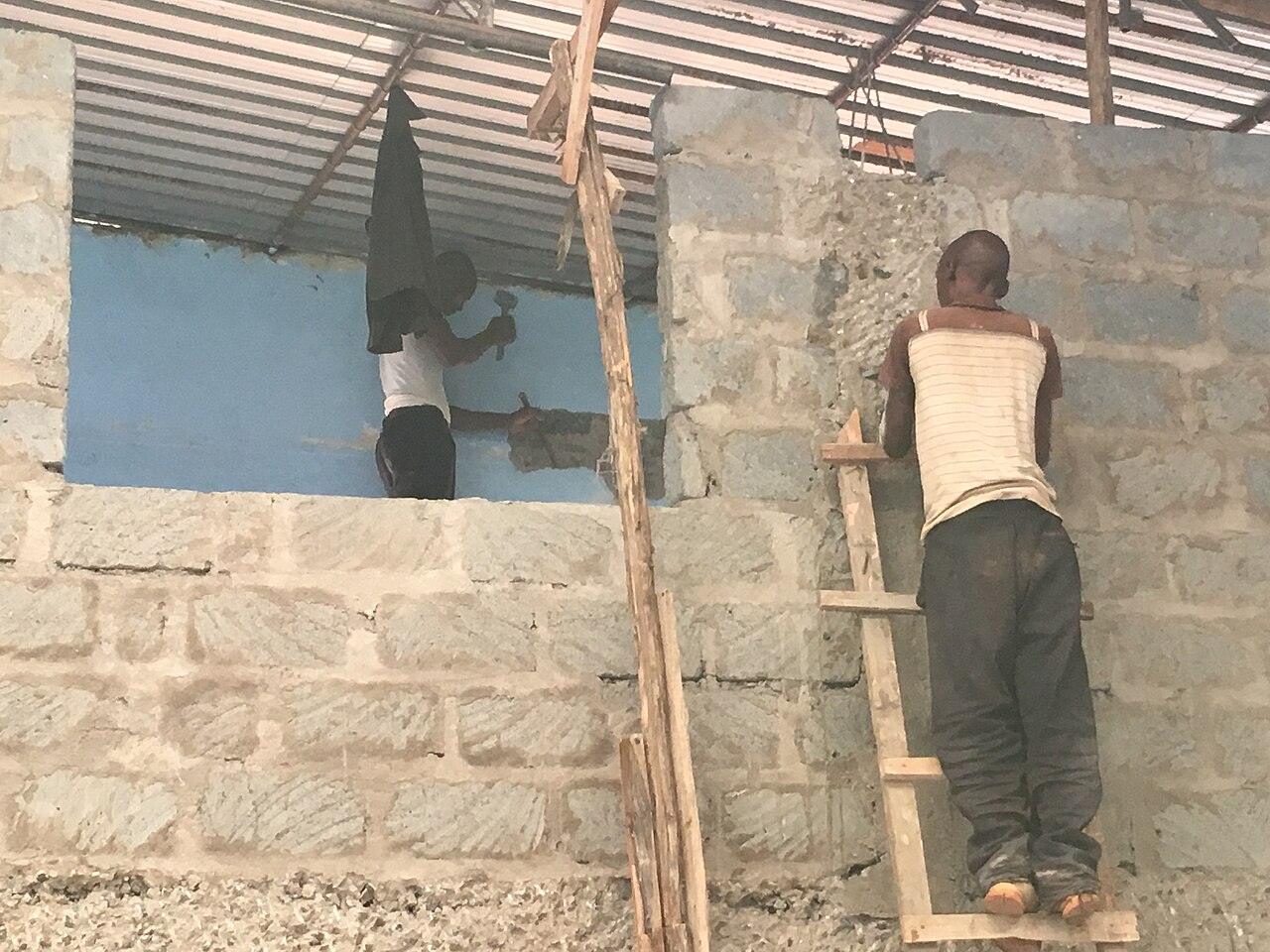
For Building Contractors
Quote the job, bill the stages, track what's owed
Building work is paid in pieces: a deposit, then stages, then the balance. JengaTrack keeps count, so you know what each client has paid and what they still owe.
Itemised quotations
Set out labour and materials line by line, with a validity date. A sent quotation locks, and shows as expired once its date has passed.
Deposits and stage payments
Turn an accepted quotation into a draft invoice, trim it to this stage, and issue it. The dashboard shows the total owed to you.
A receipt for every payment
Record M-Pesa, bank, cheque or cash, and a numbered receipt is created. If a cheque bounces, reverse it and both entries stay on record.
Common questions
Can a client be charged through JengaTrack?
No. JengaTrack records payments you've already received. It doesn't collect or hold money.
What if I issue an invoice with a mistake?
Void it with a reason, then duplicate it as a new draft. The voided invoice keeps its number and stays on record.
Can clients find my firm on JengaTrack?
Yes. Create a contractor profile and submit it. A person reviews it before it appears in the public contractor list. Registrations you add, such as NCA, are shown as you declared them: JengaTrack doesn't check them.